Haul: A Grocery List App That Sorts Itself and Checks Off with One Tap
Standing in the aisle with one hand on the cart and a phone in the other, a grocery list should not fight you. You tap an item to check it off and a keyboard pops up. Your list is in the order you thought of things, so you walk past the fruit and have to come back. Haul is a grocery list app made to fix exactly that.
Get Haul on Google Play (Android) →
What Haul does
1. Write items, and they sort themselves
Just type what you need as you think of it, for example: green chili peppers, pork, tofu, frozen dumplings, seaweed, a soda, instant noodles. Haul groups the items into store sections such as produce, meat, dairy and eggs, frozen, and snacks and drinks. A tidy up button sorts anything left over, and quantities are kept (frozen dumplings ×3).
It is not always perfectly accurate, and it does not try to be. The goal is not exact categories but to put things from the same part of the store together, so you visit each aisle once instead of walking laps.
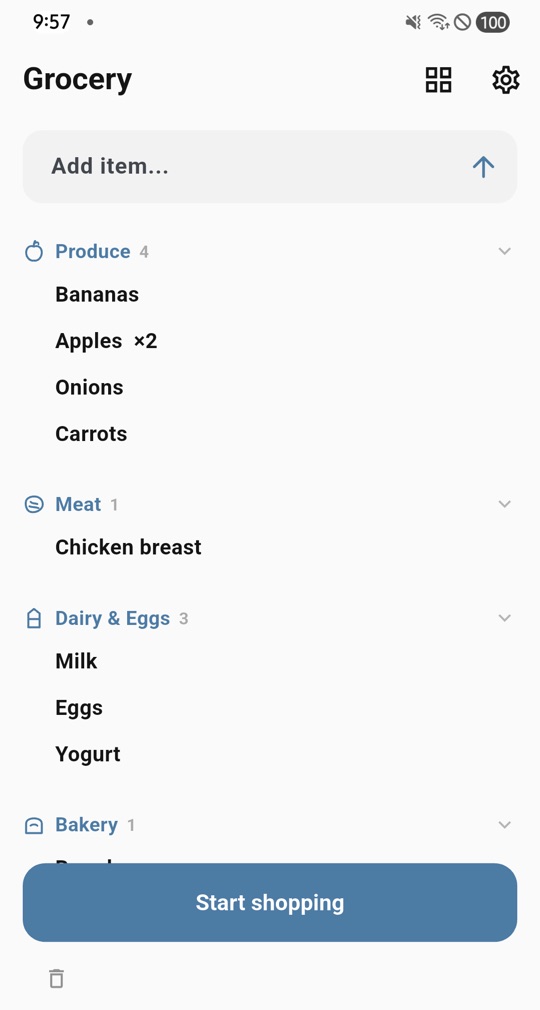
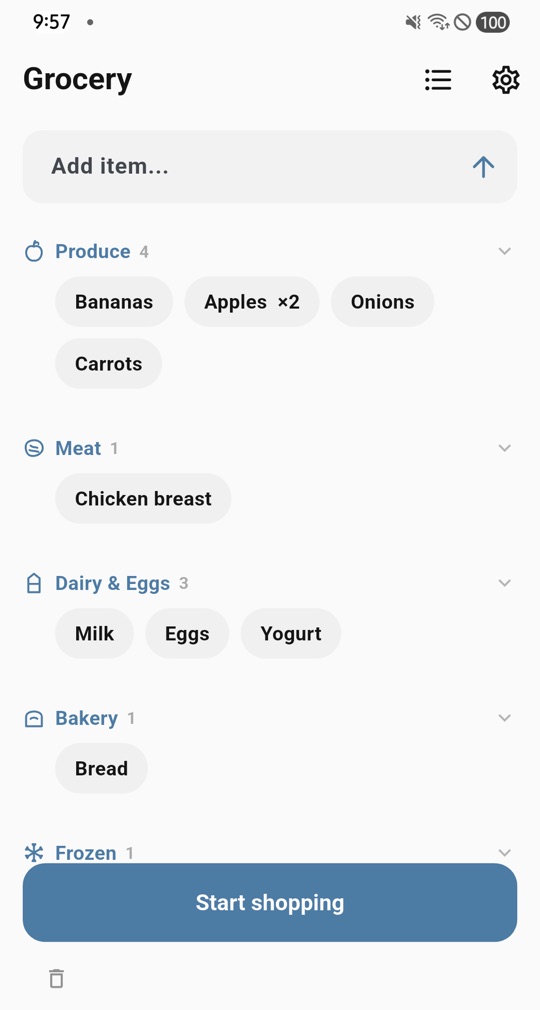
The same list in list view and in grid view.
2. Tap anywhere on the text to check it off
Press start shopping and the list switches to a check-only screen. Tapping anywhere on an item checks it. No cursor, no keyboard, and no tiny circle to aim at. It is designed for one-handed use while you push a cart. When you finish, the list is tidied up and what you bought stays in a purchase history so you can look back later.
3. A separate list per store (subscription)
Keep different lists for different stores, so you only open the one for the store you are in.
Start from your home screen
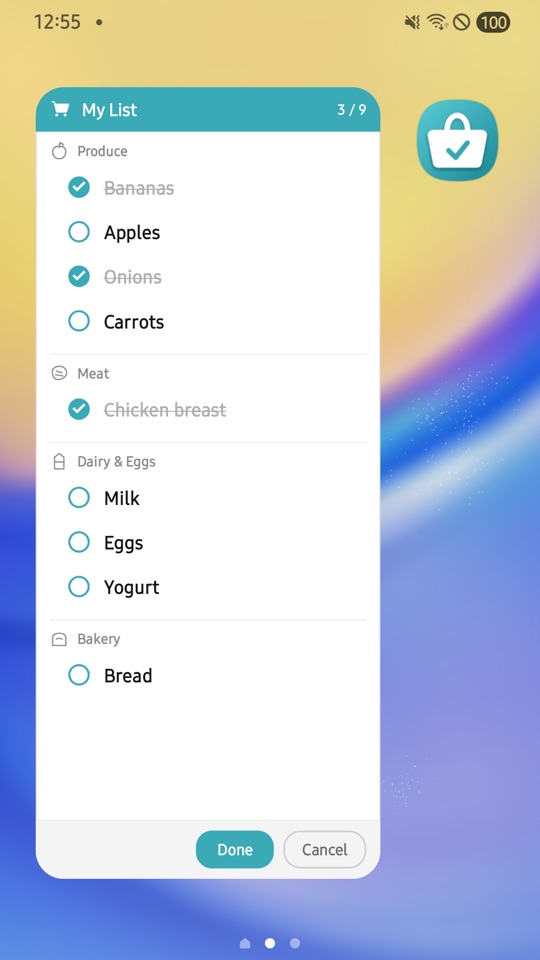
A home-screen widget shows your list with check circles, so you can start shopping and check items off without opening the app.
No account, no sign-up
There is no login and no email to give. Your shopping history is stored only on your phone.
Pricing
The basic features are free, and the free version shows ads. An optional monthly subscription removes ads, gives unlimited AI sorting and unlocks per-store lists. In South Korea it is priced at 1,900 KRW per month; the price in your country is shown in Google Play.
Made by a small studio
Haul is built by ficklestudio26, a small independent studio in South Korea. If something is awkward when you use it, tell us at support@ficklestudio26.com and we will keep improving it.
Download Haul on Google Play →
More from ficklestudio26: see everything in one place.


Comments
Post a Comment